

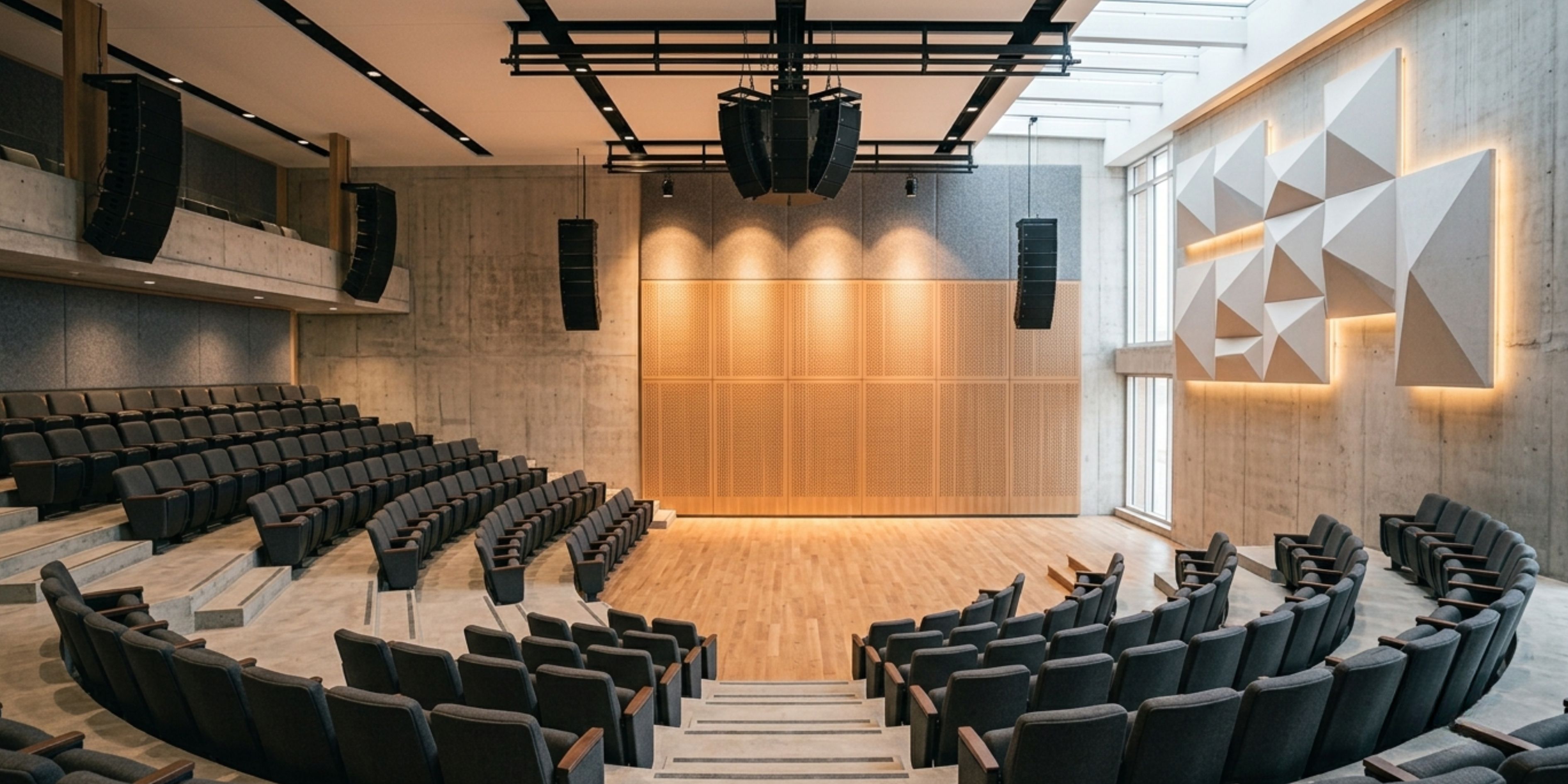
A packed auditorium can turn into a frustrating experience within the first two minutes if the sound isn't right — echoing voices, dead spots in the back rows, or a mic that squeals the moment someone raises their volume. Since 2014, Phonics Overseas has been designing and installing auditorium sound system setups across Delhi NCR and beyond, for institutions that can't afford to get audio wrong on the day it matters most — a convocation, a corporate townhall, a cultural evening, or a board meeting that's being live-streamed to another city.
An auditorium sound system setup is never just "install speakers and plug in a mic." It's a combination of acoustic study, speaker placement, signal routing, and equipment selection that's matched to the room's size, seating layout, ceiling height, and even the material of the walls and floor. Get any one of these wrong, and the rest of the investment underperforms.
Before a single speaker goes up, our team studies the room — dimensions, seating capacity, reflective surfaces, existing acoustic treatment, and how the space is actually used.
We work with line array systems, point-source speakers, ceiling-mounted units, or a hybrid setup — chosen for even coverage from the front row to the last.
Podium mics, lapel mics, handheld wireless units, and boundary mics for panel discussions — each system is built around how the space will actually be used.
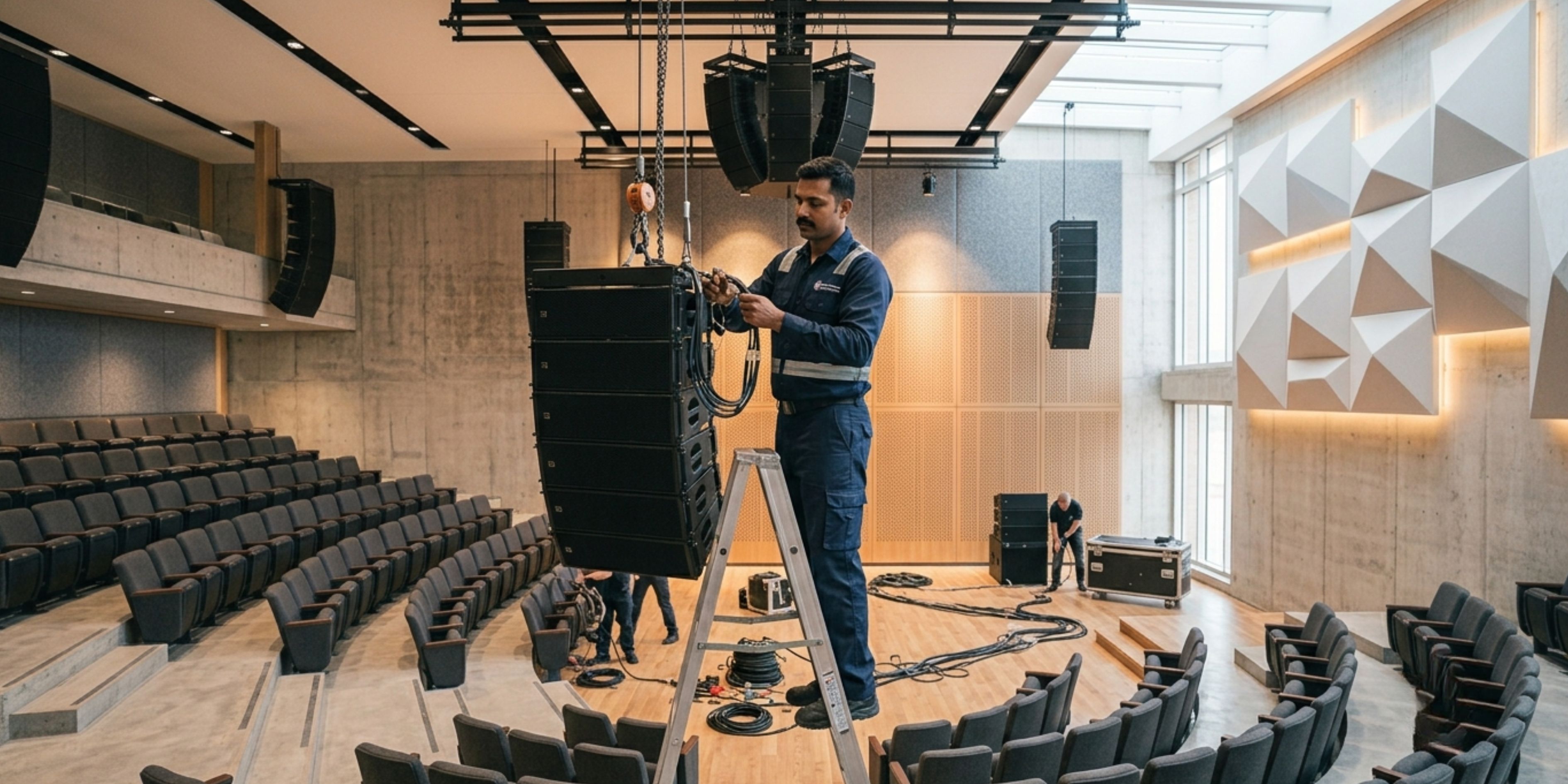
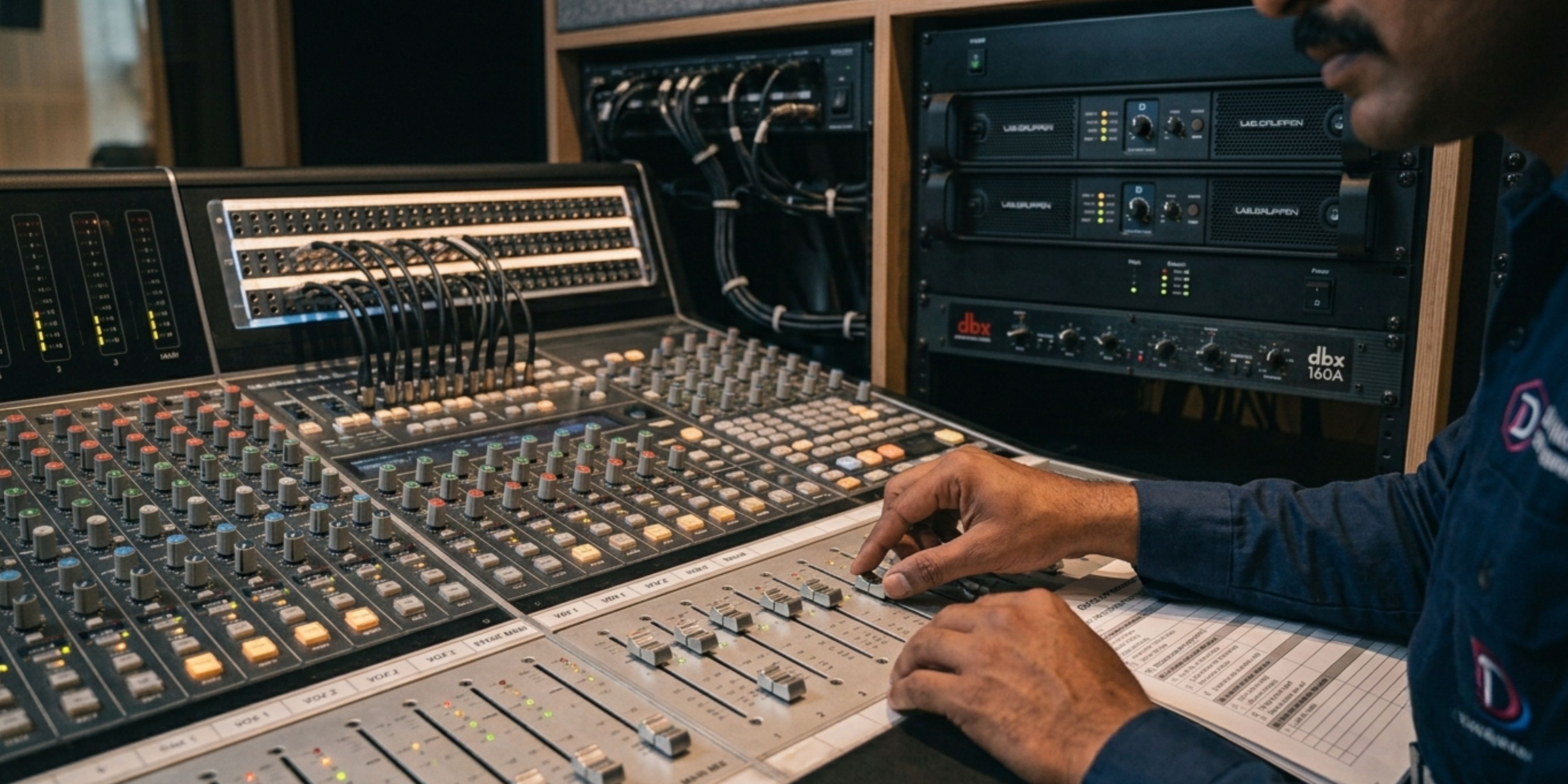
This is the part that separates a functional system from a genuinely good one. DSP tuning corrects for room reflections, balances frequency response, and lets one system handle a spoken address, a musical performance, and a panel Q&A equally well.
Most auditoriums already have some AV or acoustic setup in place. Our teams work around existing wiring, stage layouts, and control rooms wherever possible, minimising both cost and downtime during installation.
Our auditorium sound system setup projects have covered schools and universities, corporate auditoriums, multiplex screens, community halls, and cultural centres — anywhere a room needs to carry a voice or a performance clearly to every seat in the house.
Over a decade of hands-on experience in auditorium and acoustic projects.
Design, execution, and consultancy under one roof — not just equipment resale.
Solutions built around your budget, room size, and actual use case.
Post-installation service so the system stays reliable for years, not just on day one.
If your auditorium's sound has ever made an event feel smaller than it should, it's usually not the speakers — it's the setup around them.
Talk to Our Audio Team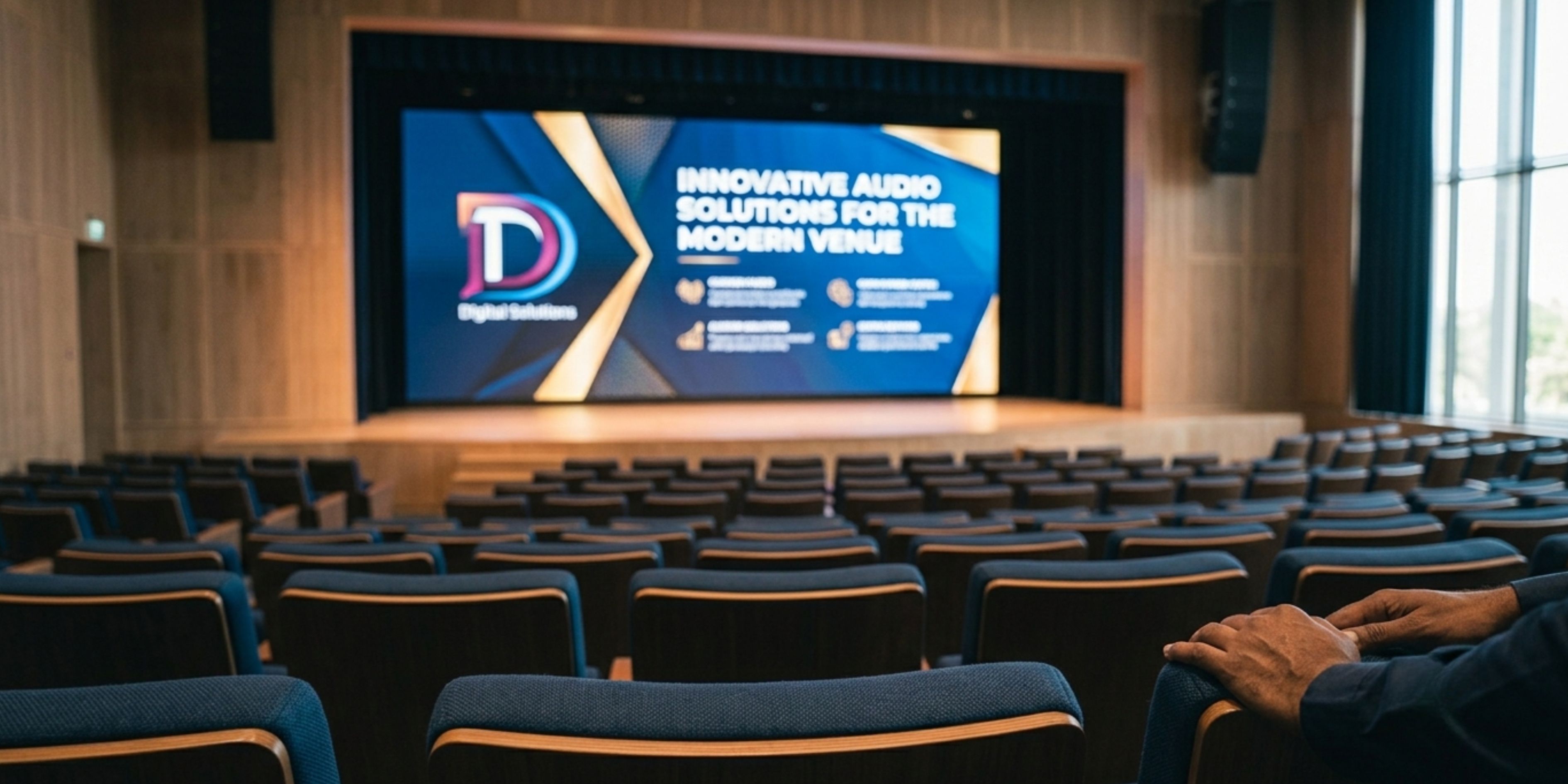
Sound gets an event heard; video gets it seen — and understood. An auditorium video system setup is what turns a presentation slide, a recorded lecture, a live event feed, or a hybrid meeting into something the last row can follow just as easily as the front. At Phonics Overseas, we've been designing auditorium video system setups since 2014, for institutions that need visuals to be sharp, synced, and reliable — not just present.
Unlike a conference room screen, an auditorium video system setup has to account for long viewing distances, variable ambient light, wide seating angles, and often multiple simultaneous inputs — a presenter's laptop, a live camera feed, a pre-recorded video, or a hybrid video call, sometimes all in the same event.
Depending on hall size, budget, and ambient lighting, we recommend and install large-format LED video walls, high-lumen projectors, or motorised projection screens — sized and positioned so text and visuals stay legible from the last row, not just the first ten.
For auditoriums used for live events, hybrid sessions, or recorded lectures, we set up PTZ cameras, auto-tracking systems, and live switching so a speaker moving across the stage stays in frame without a manual camera operator.
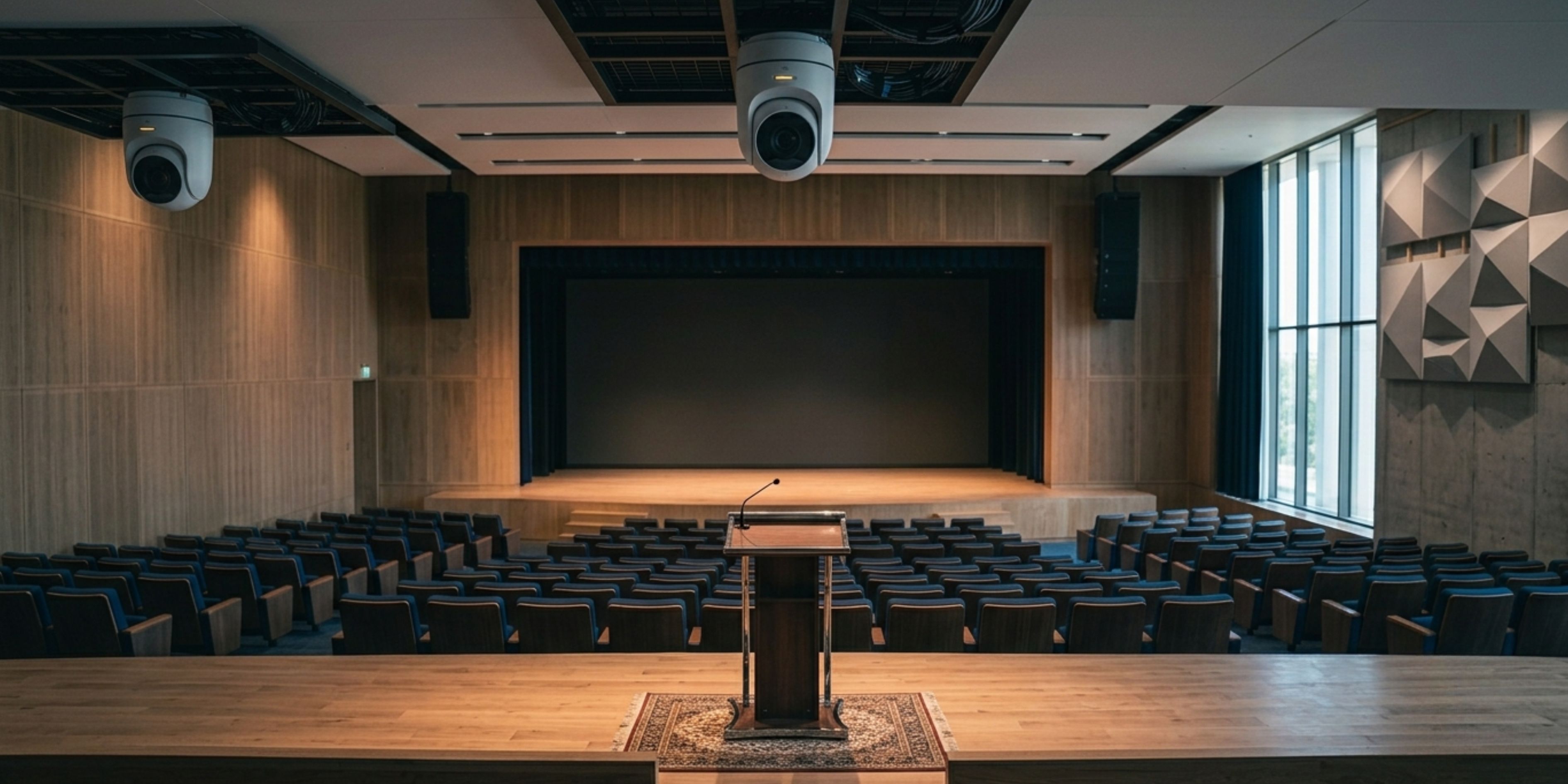
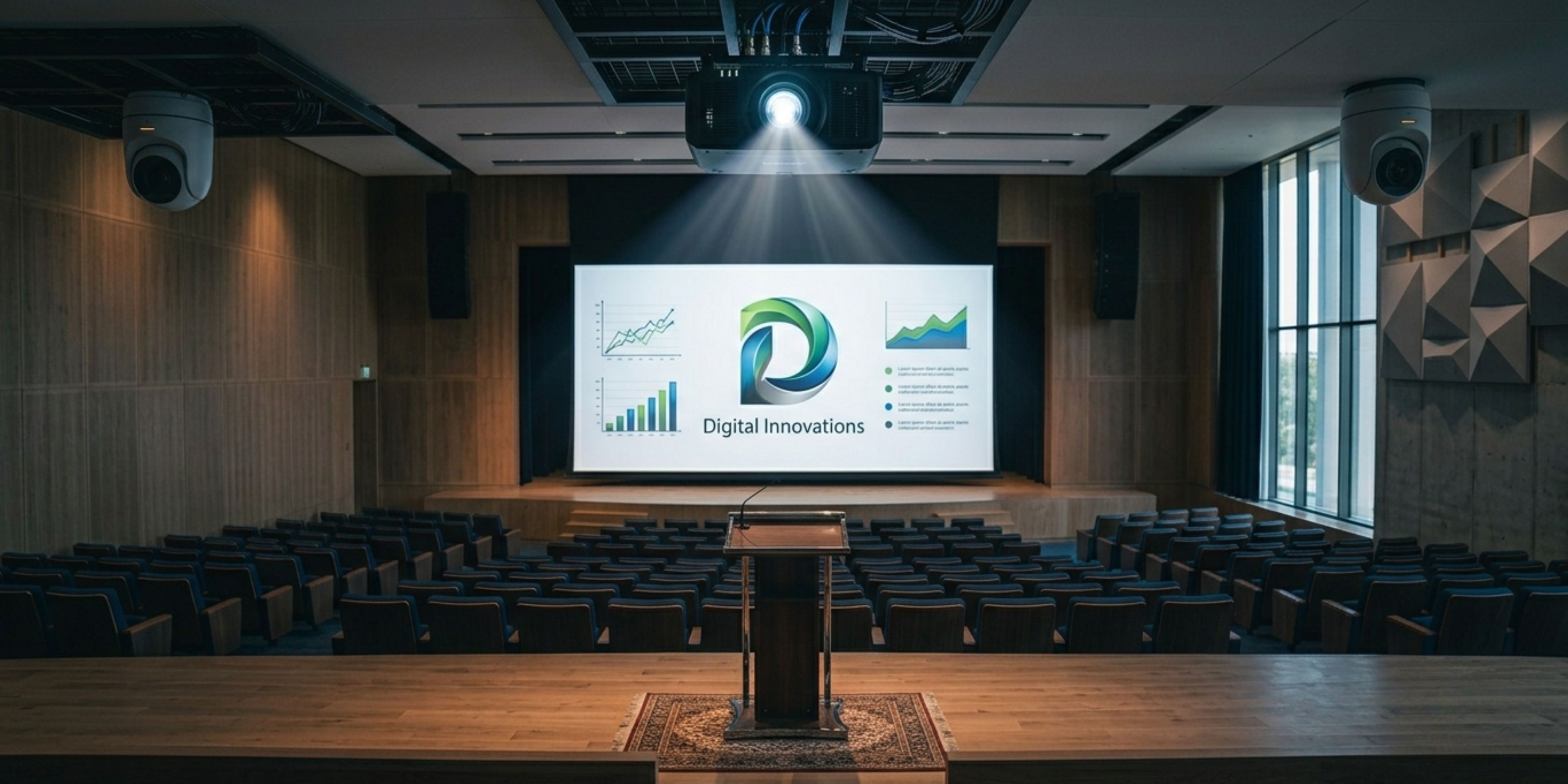
Multiple input sources — laptops, cameras, media players — need to reach the display without lag or drop in quality. We design the signal chain (HDMI/SDI over fibre or Cat6, matrix switchers, and scalers) to handle this cleanly, along with a control system that lets one operator manage the entire show.
An auditorium video system setup that looks great in a demo but washes out under stage lighting isn't finished. We factor in the room's lighting conditions while selecting brightness and contrast specifications.
Video rarely works in isolation. Our video installations are planned alongside the auditorium's sound and stage lighting systems, so playback, live camera feeds, and audio stay in sync without separate control panels for each.
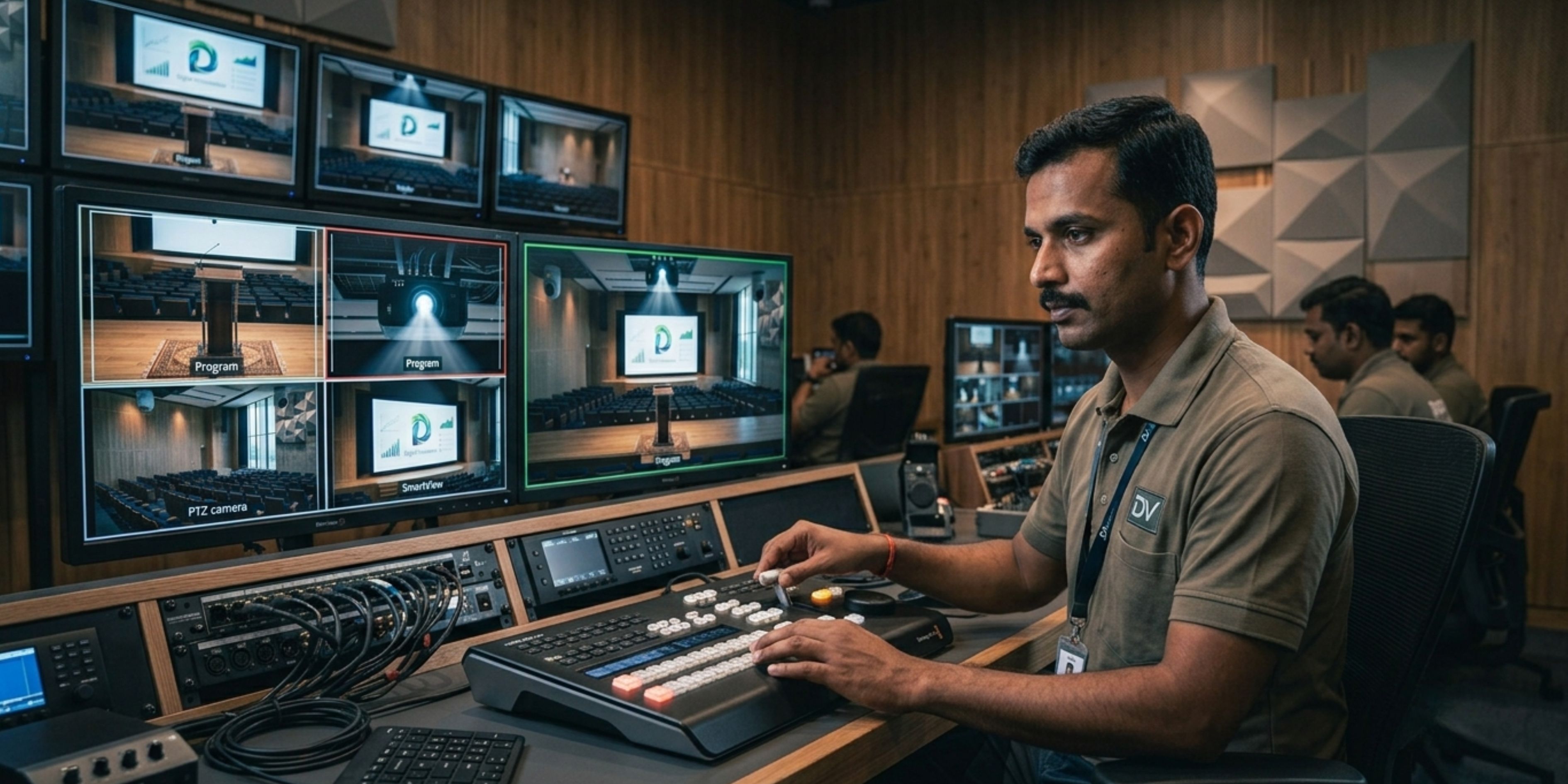
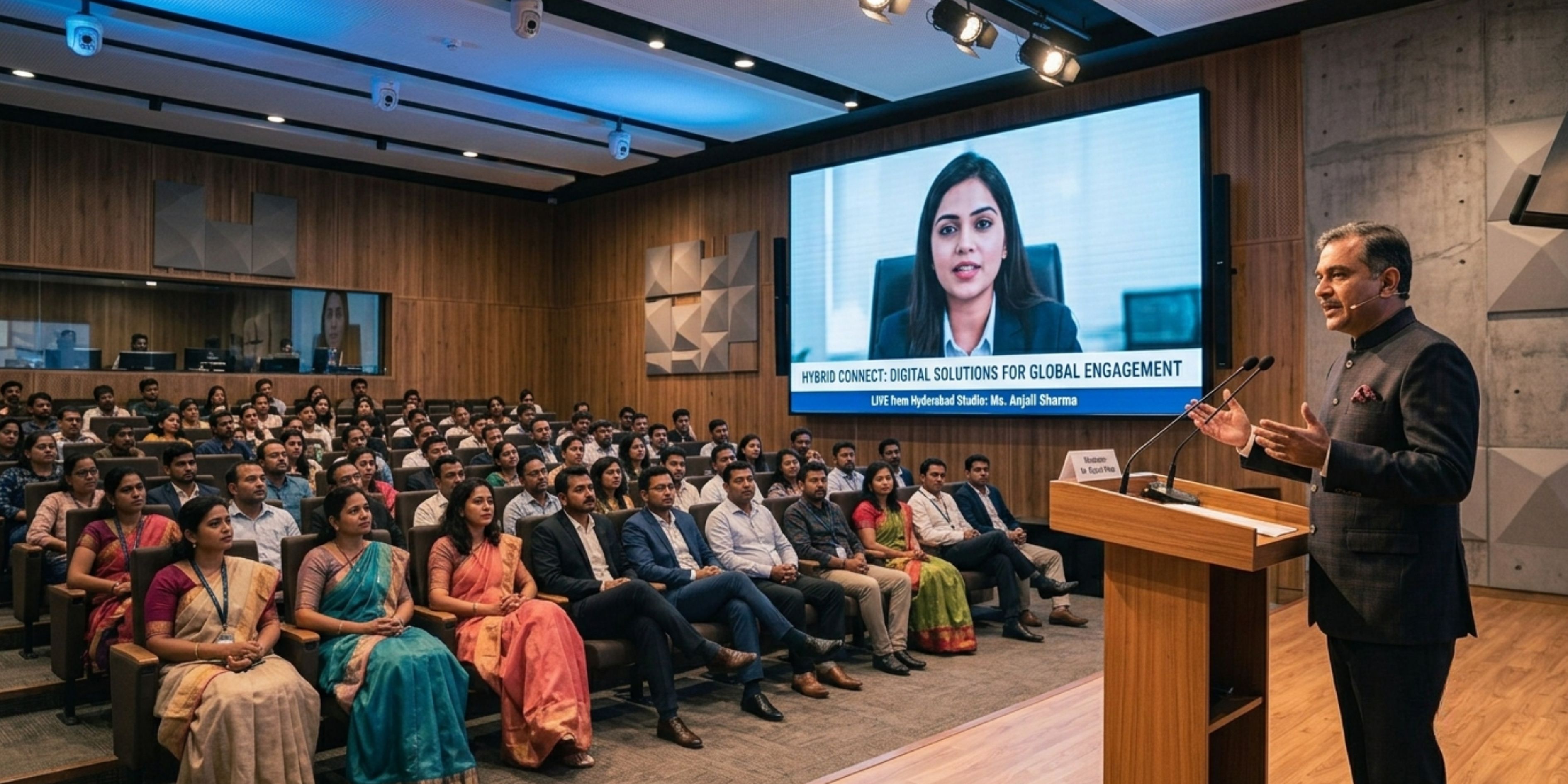
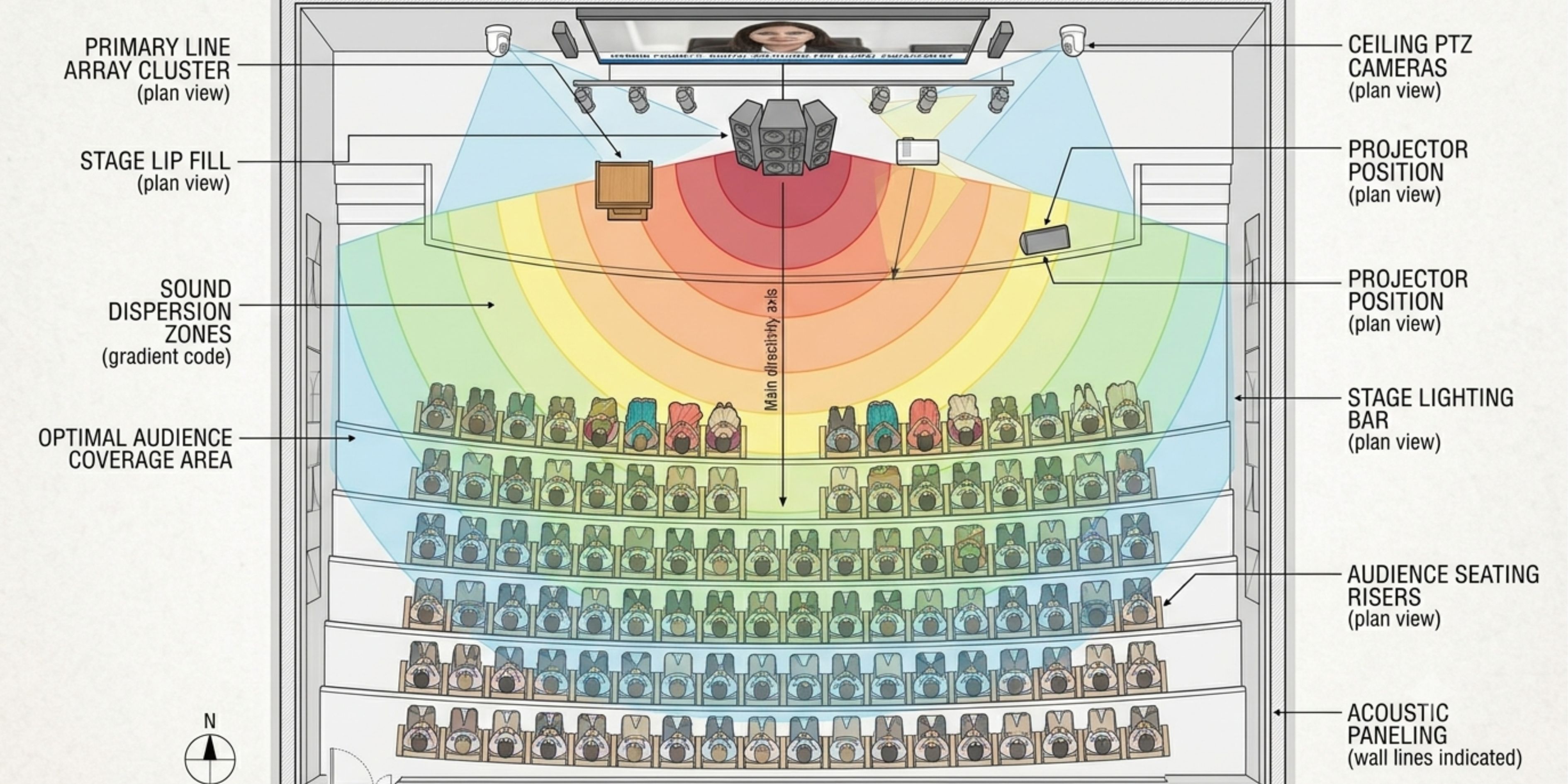
We've delivered auditorium video system setups for university lecture halls, corporate auditoriums, multiplex screens, seminar halls, and cultural centres — spaces where the video needs to work the same way for a 50-person seminar and a 500-person convocation.
A good auditorium video system setup should disappear into the background — nobody in the audience should be thinking about the screen, only about what's on it.
Talk to Our Video Team